Every few months someone sends me a screenshot of a red speed score and asks how bad it is. Fair question. The awkward answer is that the score itself barely matters. What matters is a small set of numbers underneath it, and whether your customers feel them.
I've spent a lot of time on this for Hull businesses over the last couple of years, mostly on WordPress sites that had grown a bit wild. Here's what I actually measure, what counts as good, and why it shows up in sales rather than just in a report.
The three numbers Google actually uses
Google calls them Core Web Vitals. There are three, and each one measures something a real person would notice.
LCP, or Largest Contentful Paint. How long until the main thing on the page appears. Good is 2.5 seconds or under.
INP, or Interaction to Next Paint. How long the page takes to respond when someone taps or clicks. Good is 200 milliseconds or under.
CLS, or Cumulative Layout Shift. How much the page jumps around while it loads. Good is 0.1 or under.
Those thresholds are measured at the 75th percentile of real visits, which is a technical way of saying three quarters of your visitors need to have a good experience, rather than only the ones on fast phones sat next to the router. That distinction catches people out constantly.
Why the score out of 100 misleads people
The big number you get from a speed test is a lab simulation. It runs on a pretend phone on a pretend network in a data centre. Useful for diagnosis, poor for judging reality.
Google's own ranking data comes from field data, gathered from actual Chrome users on your actual site. A site can score 62 in the lab and pass its Core Web Vitals comfortably in the field, and I've seen the reverse too. If you're going to obsess over one thing, obsess over the field numbers in Search Console.
Where the sales argument comes in
Here's the part business owners care about. Slow pages lose people before they ever see your offer. That isn't a controversial claim and it doesn't need a made-up statistic to support it. Watch someone on a phone on a poor signal in a car park. If nothing has appeared in four seconds, they're gone, and they'll never appear in your analytics as anything other than a bounce.
The one I'd point at hardest is CLS. Layout shift is the reason someone taps the wrong button, lands on a page they didn't want, and gives up. It costs almost nothing to fix and it's the most directly infuriating of the three.
The other thing worth saying plainly: page speed is a ranking factor, but a small one. It's a tiebreaker between pages that are otherwise similarly useful. Do not let anyone sell you a speed project as an SEO strategy. Do it because it makes the site better to use, and take the ranking nudge as a bonus.
What actually makes a small business site slow
In my experience it's rarely anything exotic. On the WordPress sites I get handed, the same four culprits come up over and over:
Uncompressed images. Someone uploaded a 4MB photo straight off a camera and the theme is scaling it down in the browser.
Plugin sprawl. Fifteen plugins each loading their own CSS and JavaScript on every page, including the ones that only do something on the contact form.
A page builder shipping a lot of markup and script to render a layout that could have been forty lines of HTML.
Fonts and third-party embeds. Chat widgets, tracking scripts, review badges and map embeds all cost real time.
I wrote about the diagnosis side in more detail in why your WordPress site is slow and the fixing side in how to speed up a slow WordPress site.
The performance budget I work to
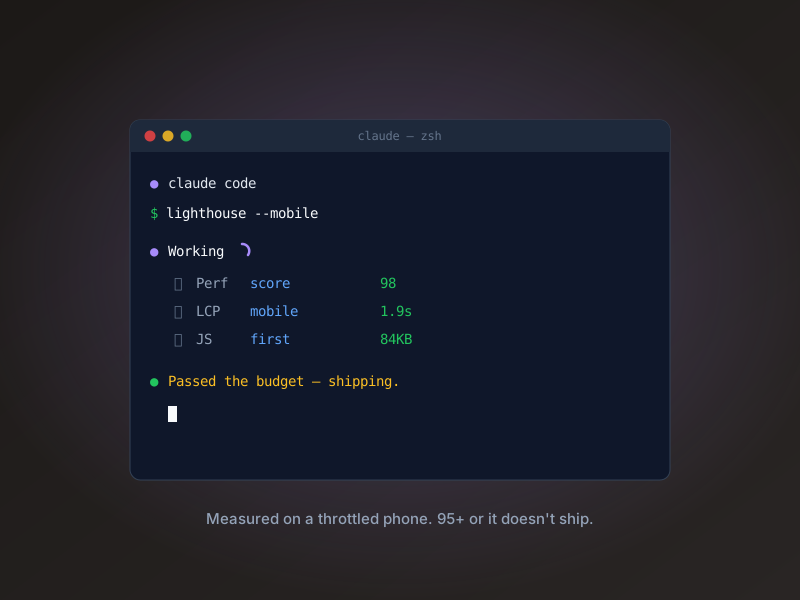
On new builds I set a budget before I write any code. It's a simple thing: a target weight for a page and a limit on how many third-party scripts get to load. Once you have a number, every request to add a widget becomes a trade rather than an assumption. Somebody wants a live chat bubble, fine, but it costs part of the budget and we decide together whether it's worth it.
This is the single biggest difference between a site that's fast on launch day and a site that's still fast two years later. Sites don't get slow in one go. They get slow one plugin at a time.
How to check yours in ten minutes
Open Search Console, find the Core Web Vitals report, and look at whether your URLs are marked good, needs improvement, or poor on mobile. That's your field data and it's free. Then run one or two of your important pages through PageSpeed Insights for the diagnosis of why.
If mobile is fine and desktop is fine, stop. Genuinely. Go and spend the money on something that'll move the needle more, like your content or your photography. Speed work has a point of diminishing returns and I'd rather tell you that than sell you an optimisation retainer you don't need.
If it isn't fine
Then it's worth a proper look, and usually it's a couple of days' work rather than a rebuild. Images, scripts, and whatever the theme is doing on every single page load. That's the order I go in, and it's the order that gets the most improvement for the least effort.
If you want a second opinion on where your site actually sits, I run a free 30-minute surgery. Send me your URL and I'll go through the real numbers with you and tell you honestly whether it's worth doing anything about. Book one on the contact page.
Free 30-min surgery
Working on something similar?